Multi-model AI workspace for Mac
One question.
Up to six answers.
Send the same message to several models. Compare their answers, tables, and sources side by side, then pick a model to ask a follow-up.
See the workspaceRequires macOS 13 or later
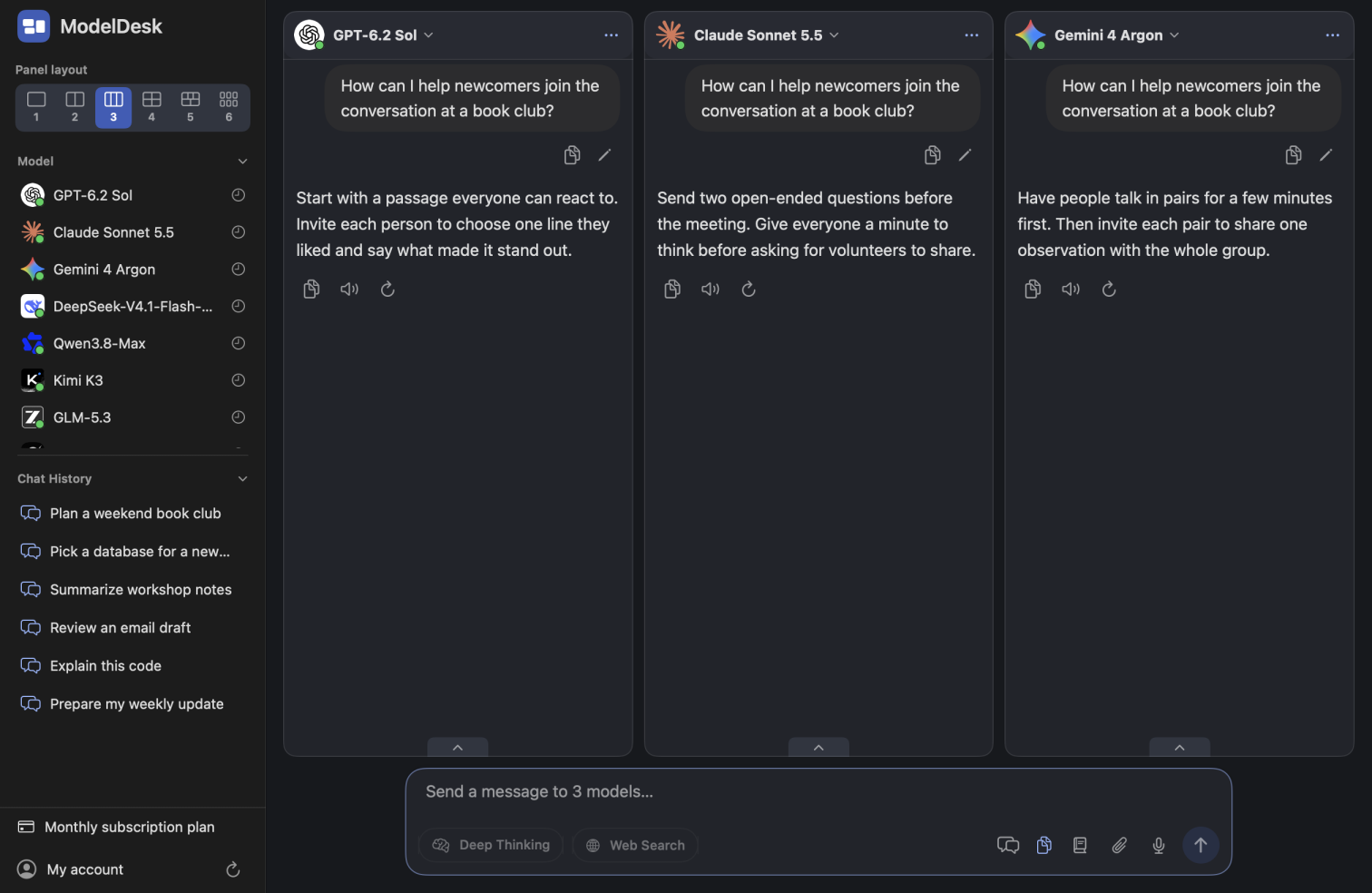
From comparing answers to following up
Work with several models
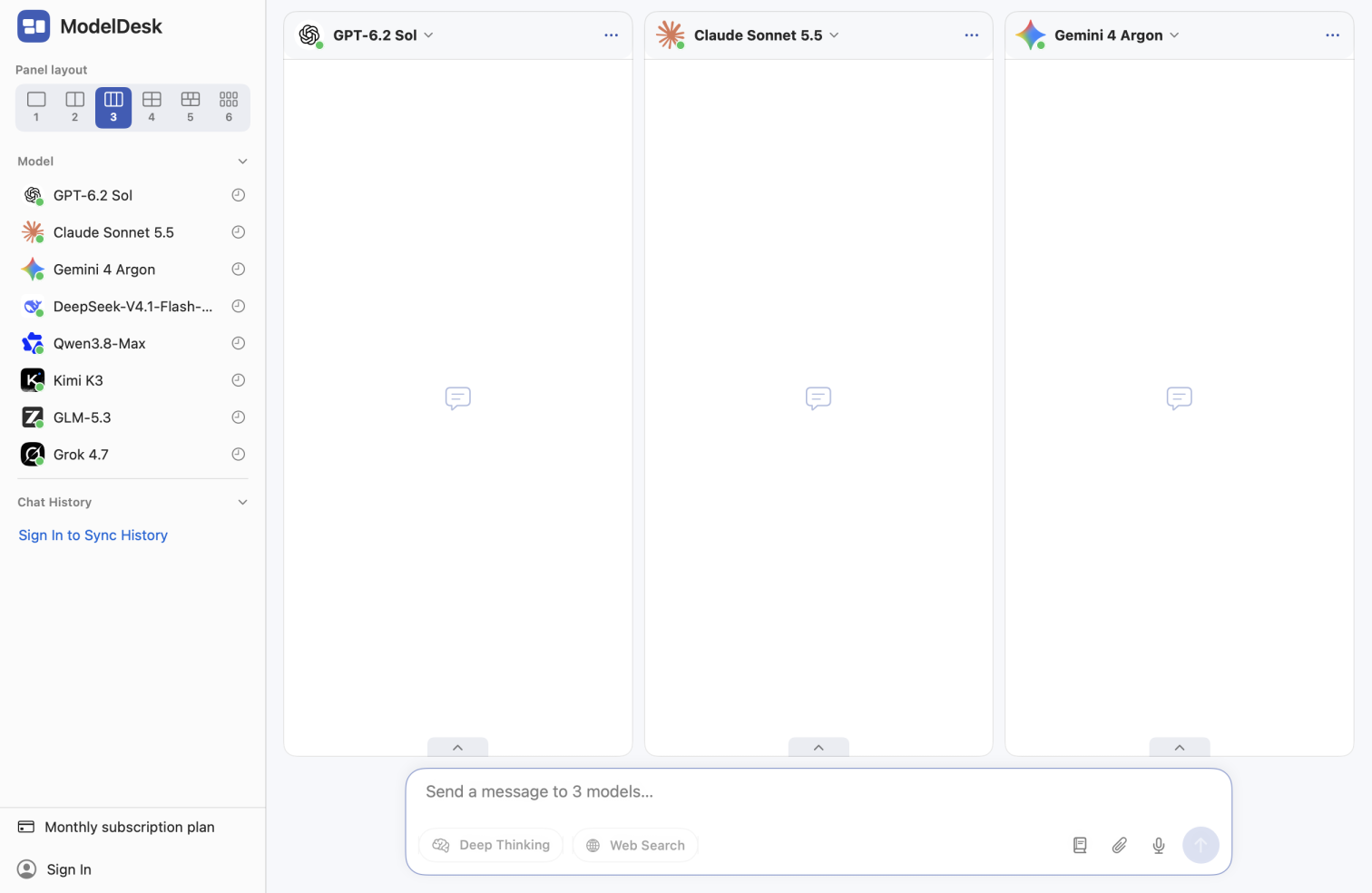
Choose the models and number of panels. Each model runs independently, so you can stop, retry, or follow up with any one of them.
Bring files and web sources
Ask about images, PDFs, and Office files. Turn on Web Search to see available citations, or generate an image from a prompt or a reference image.
Find earlier conversations
Search your history by title, question, or response. Edit an earlier prompt to start a branch, or export conversations as Markdown or ZIP.
Pick your models, then ask
Send the same context to several models while writing, reading, or debugging. Open a single panel when you want to focus on one model.
Use Deep Thinking, Web Search, and Read Webpage when you need them. Availability varies by model.
Contact the developer
Email us for support, feedback, or a request about your account or privacy.